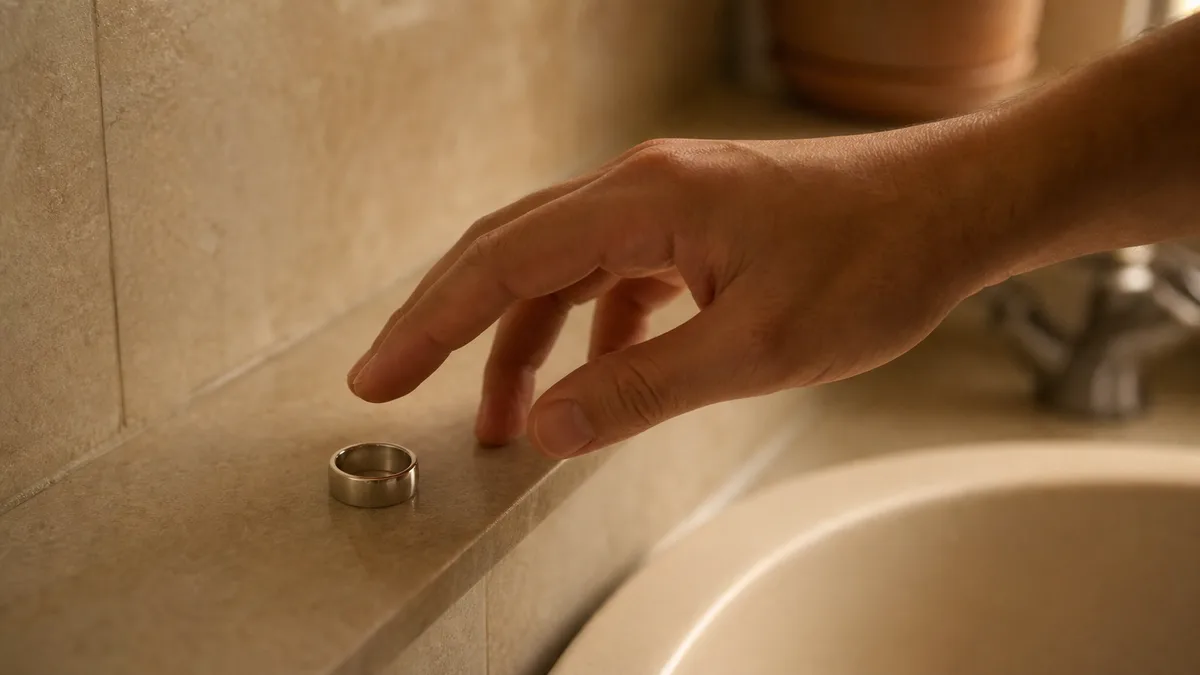
Most guides that rank for this question were written for fitness and sleep rings, and they share one blind spot. They treat a small ring as a tracking problem. A Zikr Ring goes missing in a much quieter way: it slips off at the sink before wudu, lands on a ledge or in a coat pocket, and waits there while you pray. So here’s how to use the Find My Ring feature as WESLAMIC actually ships it, name included.
Quick answer: Open the WESLAMIC app with Bluetooth on, tap the ring tab, and check that your iTasbih reads Connected. If your build carries the tile labeled Find Ring, tap it and follow the buzz until you reach it. The feature only reaches as far as Bluetooth does, and there’s no map or last-seen pin sitting behind it.
Key Takeaways
In the app the tile reads Find Ring, not Find My Ring.
Tap it and your paired ring buzzes. That’s the whole feature.
Whether the tile is in your build depends on your app version.
Apple’s App Store listing for version 2.2.2, released July 6, 2026, still names it.
No GPS, no map, no last-seen pin.
Out of range, walk back to where you last had it.
What the Find My Ring Feature Does
In the app the feature is a tile labeled Find Ring, sitting on the ring screen, as our own store screenshots show it. Our store listings word it as “find my ring.” Apple’s App Store page for version 2.2.2 still carries that line in 2026¹. Tapping the tile asks a paired ring to vibrate. It runs over Bluetooth, nothing else.
That naming gap is why searches come up empty. Across our own published materials and the listings our retail channels carry, the title-case forms people reach for, Find My Ring, Ring Finder, Find My, appear nowhere as feature names. The label to trust is the one on the tile, since that’s the app talking rather than marketing copy.
The prose version in those store descriptions is older than it looks. It still calls the app “WESLAMIC iTasbih APP,” a name the listing itself no longer carries. So “we wrote it” and “it still looks like that on your phone” are two separate questions.
What can it do? One thing, cleanly. Our own APP FUNCTIONS sheet, the spec block we send to retail channels, words it as “vibration looking for a ring,” wording mirrored on independent retail listings⁵. A buzz you can feel through a towel or a coat lining is the whole mechanism. We won’t tell you how long it hums, how many times, or whether the screen does anything, because we’ve never published any of that.
What can’t it do? Anything to do with location. The ring carries no GPS receiver and no cellular radio, and we have never published a last-seen, last-connected or anti-lost capability of any kind. The ring screen in our own store screenshots carries no map, no location row, no time stamp. Near-field buzzing, then. Not a location service.
One more piece of honesty before the steps. Whether you see this tile at all depends on your app version, and the section on a missing tile explains why that’s a real question.
How to Use Find My Ring: Step by Step
Four taps, start to finish. Three of them come straight off the official Android screenshots on our Google Play listing, whose content dates to around February 2025²: ring tab, card reading Connected, the Find Ring tile beside Battery Saver. Step one is simply how our own user guide opens, and the buzz comes from our APP FUNCTIONS sheet rather than from any screenshot. Your build, and your platform, may differ. What’s on your screen wins.
Open the app with Bluetooth switched on. Both matter. Bluetooth is the only channel the buzz can travel down, so a phone with Bluetooth off has nothing to send.
Tap the ring tab. It’s the third of the four tabs along the bottom, and it opens the list of rings paired to your phone.
Check that your ring card reads Connected. The card shows the name iTasbih, a status line, and a battery bar. If it doesn’t say Connected, skip ahead to the troubleshooting section rather than tapping anything. And if this ring has never been paired to this phone, begin with how to connect zikr ring to app, then come back here.
Tap Find Ring, then follow the buzz. The tile sits at the lower left, with Battery Saver beside it. Walk slowly and keep the phone in your hand, because the link and the buzz both depend on staying close.
We can’t verify the iPhone path the same way. The screenshots on our App Store listing are simulator images from February 2024, and they stop at an empty ring list¹. Nothing there shows a paired ring. If you’re on iOS, treat the route above as a description of the Android build and trust what your own app shows you.
A last practical note. Search soft places first: pocket linings, a folded towel, the edge of the prayer mat. Fabric swallows a buzz.
The daily rhythm around all of this, counting, charging, prayer times, gathers under See all how to use zikr ring.
When the Ring Is Out of Bluetooth Range
Out of Bluetooth reach there’s nothing to trigger. Find Ring can’t buzz a ring it can’t talk to, and as the first section sets out, nothing else in the app is listening for it. Range is elastic too: the Bluetooth SIG answers its own range question with “More than a kilometer. Less than a meter.”³ What’s left is a physical search, and it’s simpler than it sounds.

The reason is physical, not a gap in the app. Your ring’s only voice is the low-energy link it keeps with your phone, so the moment that link drops, the app has nothing left to ask.
Why does the reach vary so much between one day and the next? The Bluetooth SIG’s range page names the culprits directly. Obstacles between the transmitter and the receiver can deteriorate the signal. It lists humidity and precipitation alongside walls, windows, and things made of glass, wood, metal or concrete³. In 2026 that’s still the honest answer to “how far.” The useful part for you is simpler: “it was connected a minute ago” doesn’t mean “it’s nearby now.”
So what actually works? Go back to the last place you’re sure you had it: the sink, the car, the shelf by the prayer mat. Carry your phone in your hand and walk the room slowly. Let the two find each other on their own.
Once the card says Connected again, tap the tile and let the buzz cover the last few feet. If the card flickers in and out while you’re standing right there, zikr ring keeps disconnecting bluetooth traces that pattern back to your phone’s battery settings.
And nothing you counted is riding on this, because the tally is kept on the ring itself and catches up with the app once the two are talking again.
Find My Ring Across Smart Tasbih Models
We’ve never published a model-by-model list for this feature, and we’re not going to invent one here. Neither our own materials nor the listings our retail channels carry state per-model support either way. One hardware fact does carry, though: the current iTasbih-FIT ships with no vibration motor. That part is first-party product data, not a reading of ours.
What we’re inferring is only the consequence. With no motor to drive, a buzz can’t be the FIT’s way home, and nowhere have we published that as a stated limitation of the feature. On the FIT, the practical fallbacks are the ones at the end of this page: retrace your route, check the fixed spots first, keep the habit that stops the loss happening.
For the rest of the family, the check takes a minute either way. Open the ring tab and look for the tile. The ring shown in our own store screenshots simply carries the generic name iTasbih, and we’ve never published which model it is. Honest silence beats a table of guesses.
Find My Ring Not Working? Quick Fixes
If the tile is there but nothing buzzes, the link is nearly always the cause. Our four-step user guide opens with the app and Bluetooth for exactly that reason. If the tile isn’t there at all, that’s a different question, and the answer starts with your app version. Find your situation in the table and follow the route it gives.
What you’re seeing | Likely cause | Where to go next |
|---|---|---|
The card doesn’t say Connected | The ring and your phone aren’t talking, so nothing else can work | If the ring never appears for your phone at all, see smart tasbih ring bluetooth not working |
It connects, then the count never lands in the app | A sync fault rather than a finding fault | |
The tile is missing entirely | Your app version, and our own materials aren’t uniform on this | Read the next two paragraphs, then check your build |
That last row deserves a straight answer. Our store descriptions on both Apple and Google Play name the feature, and our own Google Play screenshots show the tile. Our current user guide, the app feature page on this site, and the APP FEATURES list on the Salam product page don’t mention it. That inconsistency is ours to own, and we’d rather point at it than paper over it.
What it means for you is simpler than it looks: the tile you see belongs to the build you’re running. So check your own app first, and update it if a newer build is waiting. Our Google Play listing was last updated on June 22, 2026, so a stale install is worth ruling out². If the tile still isn’t there, write to WESLAMIC support at service@weslamic.com with your app version, your phone, and which iTasbih you wear. That’s a faster answer than any guide can give you, ours included.
Stop Losing Your Ring: Habits That Help (Wudu, Travel, Sleep)
The surest find is never losing it. Our rings weigh roughly 6 to 7 grams, light enough that once it leaves your hand your body stops registering it as something you’re carrying. One fixed spot for wudu, one for travel, one for sleep, and the whole problem mostly disappears. Habit beats any buzz you’d have to chase.
Wudu is where most of them go astray, so give it a rule you don’t have to think about. Pick one small dish, one zipped pocket, one shelf. Let that be the only place the ring ever waits. Never the sink ledge, never a folded towel.
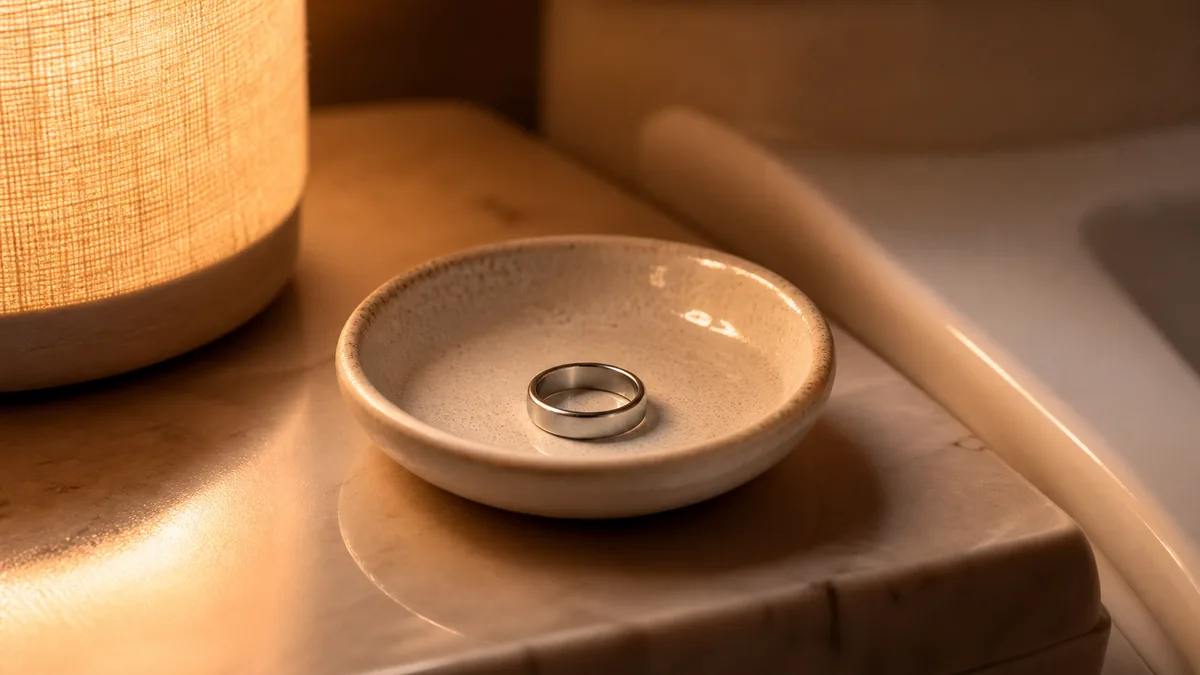
Several of our rings are built to stay on through wudu, so plenty of people simply leave them where they are. That’s the safest habit of all. Just beginning? The iTasbih-Salam suits this well, an easy, affordable way into dhikr you can track, and a gentle gift for someone in the family starting out.
Travel breaks every routine you own. Airport trays, hotel sinks, an unfamiliar bathroom at a relative’s house. Keep the ring on your hand through security if you can. If it has to come off, it goes back on before you pick anything else up.
The iTasbih-Faith earns its place here, the everyday piece that folds dhikr into ordinary hours without asking for attention. For a gift meant to feel like an occasion, the metal-finish iTasbih-Relation arrives with its own charging case. One more fixed home, even on the road.
Sleep and charging deserve the same treatment. A dish on the nightstand, a charger that never moves from its corner, and a glance at the app before bed so the day’s count is safely across.
Some people skip the nightstand altogether. The iTasbih-Peace1 reads as a modern ring rather than anything technical, so it stays on through the night, and a ring on your hand can’t be left behind. If your days hold health goals as well as faith, the iTasbih-FIT keeps both on one hand, which also means one fewer thing to take off and set down.
None of this is about discipline. It isn’t about scoring your practice either, but about a ring that quietly holds what you’ve said, staying where you can reach it. Every dhikr matters, including the ones you make while hunting for a ring under a prayer mat.
Frequently Asked Questions
Does Find Ring cost anything, or need mobile data?
Neither. The WESLAMIC app is a free download. Apple’s listing shows a 4.56-star average from 251 ratings, with iOS 15 or later required, as of July 21, 2026¹. The trigger travels over the same Bluetooth link that carries your counts, so no mobile data goes into it.
What if the ring’s battery is flat?
Then a buzz has nothing to run on, and honestly we’ve published nothing about how a discharged ring behaves. Apple’s Bluetooth accessory guide, published December 12, 2025, starts its own checklist with an accessory that is “on and fully charged”⁴. Retrace your route first, then charge the ring and try again once it wakes.
Does the iTasbih-FIT support Find Ring?
Not by vibration. Of our five iTasbih rings, the FIT is the one without a vibration motor. So the buzz path can’t work there, as the model section above sets out. We’ve never published per-model support for the feature itself, so the check that counts is whether the tile appears in your own app.
The tile isn’t in my app. Did I do something wrong?
Almost certainly not. Our store listings still name the feature; our current user guide and website feature page don’t, a gap the troubleshooting section above lays out in full. Use June 22, 2026, the date our Google Play listing was last updated, as your staleness benchmark²: an install older than that is worth refreshing before you conclude anything.
Reviewed by the WESLAMIC Editorial team. This guide covers app behavior and Bluetooth limits only and does not issue a religious ruling; for questions of practice, consult a qualified scholar you trust.
Sources
³ Bluetooth SIG, Understanding Bluetooth range, retrieved 2026-07-20
WESLAMIC, iTasbih User Guide (shop.weslamic.com/pages/itasbih-manual) and WESLAMIC App feature page (weslamic.com/tools/weslamic-app), retrieved 2026-07-21
WESLAMIC iTasbih product data and brand input (per-model vibration hardware, ring weight, spec-sheet wording), 2026