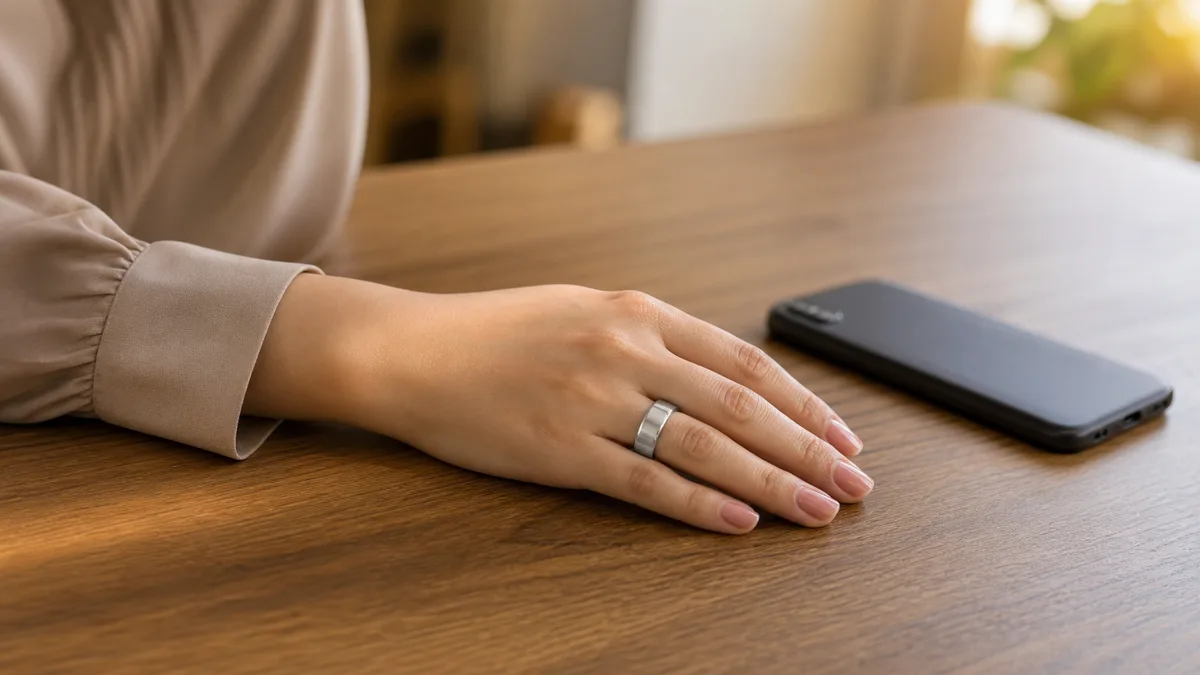
Picture your morning commute. You’re moving through your dhikr on a crowded train, thumb resting on your ring, calm in the noise. Then you reach your desk, glance at your phone, and the WESLAMIC App shows nothing new. The ring won’t pair. Before the worry sets in, here’s the part that matters most: nothing you just counted is gone.
Key Takeaways
Your dhikr count lives on the ring, so a dropped connection never erases it. Nothing gets lost.
Most problems trace to five causes: a flat ring, an old phone bond, an outdated App, a stale cache, or nearby interference.
WESLAMIC’s official manual documents a four-step setup. Re-pairing usually takes under a minute.
A factory reset clears stubborn faults, and your synced history stays safe.
Why Your Smart Tasbih Ring Bluetooth Won’t Connect (Most Common Causes)
In our 2026 support notes, Bluetooth almost always fails for one of five reasons: a flat ring battery, the ring still bound to your old phone, an outdated WESLAMIC App, a stale phone Bluetooth cache, or interference from other Bluetooth accessories nearby, like earbuds or a watch. None of these touch the dhikr count saved on the ring itself.
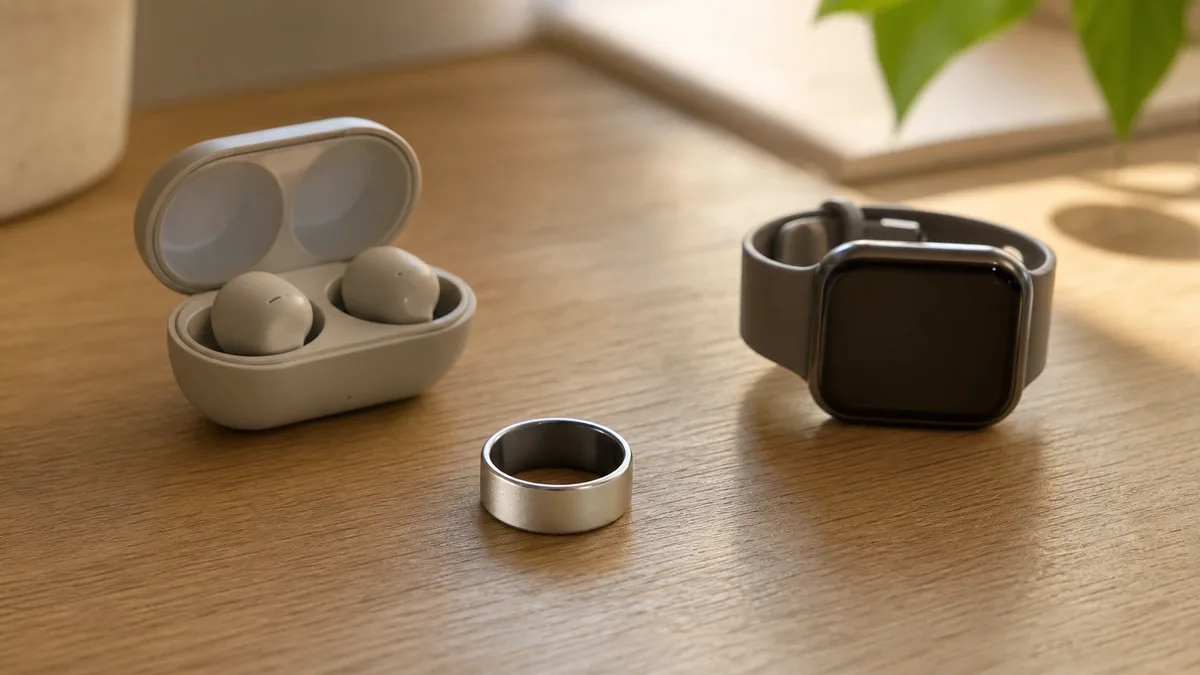
If you’re searching “smart tasbih ring bluetooth not working,” the good news is that the cause is usually easy to spot. Which one is yours? The signs tend to point clearly.
Start with the simplest cause: a flat ring. In its December 2025 support guide, “If a Bluetooth accessory won’t connect to your iPhone or iPad,” Apple says to make sure the accessory is on and fully charged before anything else¹. If your ring hasn’t been on its charger recently, low battery is the likely reason it won’t appear. Charge it first, then try again.
Next, the old-phone problem. Apple’s same guide notes that if an accessory pairs with some phones but not yours, you should unpair it from your other phones, then pair again¹. Many rings hold a single active Bluetooth bond. So a ring still tied to your previous phone won’t show up on a new one until you clear that old pairing.
Two more causes are quick to rule out. An outdated WESLAMIC App can refuse a clean handshake, so check your app store for an update. A stale Bluetooth cache on the phone is just as common. Google’s Android Help guide, “Fix Bluetooth problems on Android,” recommends turning Bluetooth off and back on, then restarting your phone, which clears that stale state².
The last cause is interference. When several Bluetooth accessories sit close together, earbuds, a watch, a speaker, they compete for the same signal. Because the ring runs on a low-power Bluetooth signal, it likes to stay near your phone, so keep other accessories out of the way while pairing.
Whichever cause it is, the fix is usually quick. Once you’ve worked through these five causes and want a broader check, our guide to tasbih ring bluetooth connectivity covers the wider picture, while this page stays on that first, stubborn no-connect.
Step-by-Step: Re-Pair Your Ring With the WESLAMIC App
To re-pair, charge the ring first, open the WESLAMIC App, turn phone Bluetooth on (and, on Android, Location too), remove the ring from your phone’s Bluetooth list, then tap Add Product and hold the ring close until it appears. Following WESLAMIC’s four-step manual, pairing usually finishes in under a minute when the battery and App are current.
This is the fix-it version of pairing, for a ring that connected before and now won’t. If you’re setting up a brand-new ring for the first time, how to connect zikr ring to app covers the full walkthrough. Here, we’re clearing a stuck connection and starting the handshake fresh.
The step people skip most is the first one. Charge before you pair. A ring low on battery flickers in and out of range and never holds a link. Rest it on the charger until it’s full, then begin. In our experience, a full charge alone fixes a surprising share of “it won’t pair” cases.
If you’re just starting out with something like the iTasbih-Salam, its magnetic charging clip makes that easy: the ring snaps on, tops up, and you’re ready to add it. No fiddling with cables before your first dhikr.
Then follow the App. WESLAMIC’s official iTasbih manual lays out a four-step setup: install the App and turn Bluetooth on, tap Add Product and select your model, set your language and prayer time, and start counting. There’s no required account step. If the App happens to ask you to sign in, you can, but it isn’t a gate you must pass to pair.
Give it a moment once you tap Add Product. Hold the ring within a hand’s width of the phone and stay still while the two find each other. Patience helps here. If pairing stalls, close the WESLAMIC App fully, reopen it, then tap Add Product again. A fresh session clears a hung handshake more often than repeating the same tap does.
Platforms differ in one small way. On Android, the App needs Location switched on to scan for the ring over Bluetooth, a step Google’s guide notes for accessory scanning². On iPhone, a system pairing box pops up instead. If the ring still won’t show, remove it from your phone’s Bluetooth list and add it again, which Google’s guide also recommends². Once it appears in the App, today’s count catches up on its own.
Ring Keeps Disconnecting or Won’t Sync? Targeted Fixes
Frequent drop-outs and failed syncs usually come from three things: a phone battery-saver closing the App in the background, distance or physical interference, or a sync conflict left after switching phones. On Android, our support team finds a battery-saver quietly closing the WESLAMIC App is the single biggest cause of a ring that keeps dropping.
First, the drops. If your ring connects then keeps falling off, whitelist the WESLAMIC App from your phone’s battery optimization, so the system stops closing it in the background. Keep the ring within range while you use it. That’s the fast triage. For the deeper reasons a ring drops again and again, zikr ring keeps disconnecting bluetooth goes further than we will here.
Second, the sync. If the ring stays connected but the App won’t update, keep the App open in the foreground while it catches up. And if you recently changed phones, remove the ring in your phone’s Bluetooth settings and add it back to clear a leftover conflict. If it’s connected and still won’t move today’s count, smart tasbih ring not syncing has the full checklist.
Why does battery-saver hit so hard? To stretch battery, Android can freeze background apps, and a frozen App can’t hold the ring’s connection. That’s the whole problem. Whitelisting the WESLAMIC App is a one-time setting that usually ends the cycle for good. It’s the single most useful fix we point Android users to.
Distance and walls play a part too. Bluetooth is short-range by design, so a phone left in another room, or a thick wall between you and it, can nudge the ring off. Keep your phone in the same room while the App is syncing. That one habit prevents most of the everyday drop-outs we hear about, with no settings to change.
Either way, a drop or a lag is a connection problem, not a counting one; the offline-counting section below explains why your tally is safe through both.
Still Not Connecting? Factory Reset and When to Contact Support
If re-pairing, an App restart, and a full charge all fail, a factory reset clears the ring’s old pairing data and resolves the large majority of remaining Bluetooth faults. If the ring still won’t appear after a reset and a full charge, treat it as a possible hardware issue and contact WESLAMIC support with your order number.
A factory reset wipes the pairing data that ties the ring to a phone, which is what fixes a stuck connection. Your earlier dhikr history is a separate matter: whatever already synced is saved in the WESLAMIC App and stays there through a reset. We won’t overstate what a reset does to the ring’s own on-board tally. The honest line is that your synced history is safe, and re-pairing rebuilds the link.
Doing the reset is straightforward at the action level: clear the ring’s pairing and let it start fresh. The exact button gesture, and what resetting means for your count, live in See all how to use zikr ring, since that’s where the hands-on steps belong. After a reset, charge to full, then re-pair using the steps above.
When is it hardware, not settings? If the ring won’t appear even after a full reset and a full charge, you’ve reached the edge of what a home fix can do. At that point, reach out to WESLAMIC support. The WESLAMIC iTasbih App itself is a free download for both iPhone and Android⁴, so keep it updated first, since a stale App can look like a broken ring.
To make support quick, have four things ready: your order number, your App version, your phone model, and the steps you’ve already tried. That short list lets the team skip the basics and get to a real answer faster. You’re not starting from zero, and neither are they.
Your Dhikr Is Never Lost: How Offline Counting Works
Your smart tasbih ring counts every dhikr on the ring itself, with no phone required. Bluetooth only carries that count to the App for history and prayer-time reminders, so a connection failure never erases a single repetition.

Our finding: Across our own hands-on use, we’ve turned Bluetooth off mid-session, kept counting, then reconnected. The ring held every repetition, and the full offline tally caught up in the App with nothing missed.
So what actually depends on Bluetooth, and what doesn’t? A short split makes it clear.
Works without Bluetooth | Needs Bluetooth |
|---|---|
Counting each dhikr | Syncing history to the App |
The ring’s running tally | Prayer-time reminders |
Carrying your count all day | Dhikr reminders in the App |
Counting happens on your hand; Bluetooth only carries that count onward, never creates it. For the fuller picture of what the ring stores offline and for how long, see smart tasbih ring offline counting.
When Bluetooth returns, today’s count syncs on its own. If it reconnects but the count still won’t move over, that’s a sync snag, not a lost count, and smart tasbih ring not syncing walks through it.
This is where our whole reason for making these rings shows up: every dhikr matters, which is exactly why the count can’t hinge on a signal. So the next time the App shows nothing new, there’s no need to worry. The connection is a convenience, not the keeper of your worship.
Doing Dhikr While Working: No Bluetooth, No Phone Needed
Yes. You can keep your dhikr going through a workday with no phone and no Bluetooth in reach. The ring counts every repetition on your hand, so your thumb does the work while your phone stays in your bag. As the offline-counting section above shows, nothing you count waits on a live connection.

The point of a ring you can wear all day is that worship slips into ordinary hours. Between emails, in the quiet minute before a meeting, or standing on a packed train, a small turn of the thumb moves your count forward. Nothing to unlock, nothing to tap, no earbuds, and nothing for anyone nearby to notice.
That last part matters in shared spaces. Counting on a screen pulls your eyes down and makes the act visible to the room; a ring keeps it quiet, between you and your Lord. For wear like this, the full-ring iTasbih-Peace1 fits naturally: discreet enough that a colleague only ever sees a ring, and light enough to forget you have it on.
Whatever you count away from your phone is held on the ring and syncs the moment you’re back in range. Desk, commute, or travel, the dhikr keeps adding up.
Which iTasbih Models Use Bluetooth, and What It Powers
Every iTasbih model uses Bluetooth, and on all of them it does one job: carry your count to the WESLAMIC App and deliver reminders. It never does the counting; that happens on the ring. What changes from model to model is the extras the connection unlocks, from a prayer-time buzz on the iTasbih-Faith to full health tracking on the iTasbih-FIT.
Our iTasbih rings connect over low-energy Bluetooth, which the Bluetooth SIG describes as very low power in its Bluetooth Technology Overview³. That efficiency is part of why the count had to be built to run without the connection at all.
Model | Series | What Bluetooth powers |
|---|---|---|
iTasbih-Salam | Smart Tasbih 2.0 | Count and history sync to the App |
iTasbih-Faith | Smart Tasbih 2.0 | Count and history sync, plus prayer-time reminders you feel as a gentle buzz on the ring |
iTasbih-Relation | Smart Tasbih 2.0 | Count and history sync, plus a prayer-time buzz on the ring |
iTasbih-Peace1 | Smart Tasbih 3.0 | Count and history sync from the full-ring design, plus customizable vibration reminders |
iTasbih-FIT | Smart Tasbih 3.5 | Count and history sync, plus health data (heart rate, blood oxygen, sleep, steps); reminders arrive through the App, not a wrist buzz |
One model is worth calling out. The iTasbih-FIT has no vibration motor, so its reminders come through the App rather than a buzz on your hand. If a prayer-time signal you can feel is what you want, the Faith, Relation, and Peace1 deliver that buzz on the ring itself. Every model still counts offline and syncs the same way, so a Bluetooth drop never costs you a repetition.
Frequently Asked Questions
Do I need to create an account or sign in to use the WESLAMIC App?
No. WESLAMIC’s official iTasbih manual walks through a four-step setup, and none of those steps require an account or a login. You go from installing the App to counting without one. A sign-in option may pop up, but it stays optional; you can pair and count without ever using it.
Can I pair the ring with an Android phone, or is it iPhone only?
Both work. The WESLAMIC iTasbih App is free on the Apple App Store and on Google Play⁴, so Android is fully supported. One Android-only step: switch Location on, since the system needs it to scan for the ring over Bluetooth. On iPhone, a pairing box appears instead. Keep whichever App you use updated.
My ring pairs with my old phone but not my new one. What should I do?
Clear the old bond first. Apple’s December 2025 Bluetooth guide says to unpair an accessory from your other phones, then pair it with the one you want¹. Many rings hold a single active connection, so the old phone keeps owning it until you forget it there. Remove it from the old phone, then add it on the new one.
How close does the ring need to be to my phone while pairing?
Right next to it. Hold the ring within a hand’s width of the phone until it appears in the App. Google’s Android Help guide lists staying close to the accessory as a basic step², and since these rings use a low-energy, short-range Bluetooth signal, distance is a common reason pairing won’t complete. Once paired, a few feet is fine.
Do I have to sync every day so I don’t lose my count?
No rush at all. The count is stored on the ring, so it waits for you; a full day spent offline still syncs back once Bluetooth returns. Sync whenever it’s convenient. There’s no daily deadline and no penalty for a day spent offline.
Reviewed by the WESLAMIC Editorial team. This guide covers Bluetooth setup only and does not issue a religious ruling; for questions of practice, consult a qualified scholar you trust.
Sources
² Google, Android Help, “Fix Bluetooth problems on Android”, retrieved 2026-07-18
³ Bluetooth SIG, Bluetooth Technology Overview (BLE as very low power), retrieved 2026-07-18
⁴ Apple App Store, WESLAMIC iTasbih (free download, iOS and Android companion), retrieved 2026-07-16
WESLAMIC, iTasbih User Guide (shop.weslamic.com/pages/itasbih-manual), four-step setup, retrieved 2026-07-20
WESLAMIC iTasbih hands-on product use and support-team observations (offline counting, sync-on-reconnect, common pairing fixes), brand input