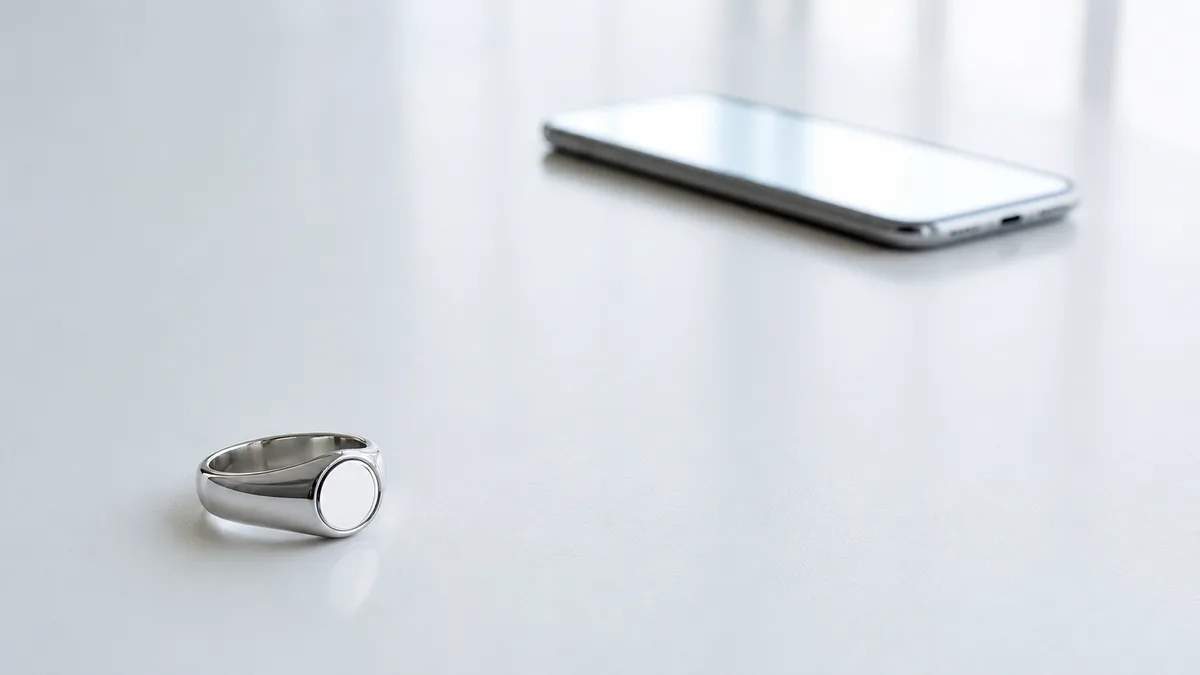
Does my phone have to stay connected the whole time I’m making dhikr? That question sits under almost every search on this topic, and most pages answer everything except it. So, plainly: no. What follows is the rest of the answer. What the link is for, what crosses it, what a quiet evening actually costs you, and which of our rings puts what on it.
Direct answer: Tasbih ring Bluetooth connectivity runs on Bluetooth Low Energy (BLE): the ring pairs with a companion app to sync your dhikr counts, settings, and prayer-time reminders. Pairing is a one-time setup; afterward the ring counts offline and syncs automatically whenever your phone is nearby, so you never need to stay tethered while making dhikr.
Key Takeaways
Setup is four steps and asks for no account: a permission, your ring model, your city, and a counting mode.
Two-way link: counts and health data up, prayer schedule and firmware down.
Bluetooth 5.1 on the Faith and the Salam; no radio version published for the Relation, Peace1 or FIT.
A dropped link pauses your history, firmware updates and phone-side prayer alerts, never the count itself.
Inside a Tasbih Ring’s Bluetooth Link: Low Energy, Roles and Range
Your ring and your phone keep a part-time conversation going. It runs on Bluetooth Low Energy, which the Bluetooth SIG describes as “designed for very low power operation,” transmitting over 40 channels in the 2.4GHz unlicensed ISM band¹. It wakes when there’s something to hand over, then goes quiet again.
Tasbih ring Bluetooth connectivity gets much easier to picture once you separate the two jobs. Counting happens on the ring, in a closed loop between the touch surface and the chip beside it. Across the link goes a copy of that number, plus the settings you choose.
Why the low-power flavor rather than ordinary Bluetooth? The same SIG overview puts Bluetooth Classic mainly to work on wireless audio streaming¹. Streaming music is a firehose. Handing over a count is a postcard.
One side does the looking. Android’s developer documentation for Bluetooth Low Energy splits the two by role: the central scans, looking for advertisement, while the peripheral advertises. Your phone is the central, your ring the peripheral, and the whole arrangement exists for “transferring small amounts of data between nearby devices,” in that documentation’s words³.
There’s a paper trail for this. The iTasbih app’s published privacy policy lists the third-party software it bundles. Entry (3) is FastBle, described there as “Android Bluetooth Low Energy,” requesting the BLUETOOTH, BLUETOOTH_CONNECT and BLUETOOTH_SCAN permissions⁴. That’s the link named from the engineering side rather than the marketing side.
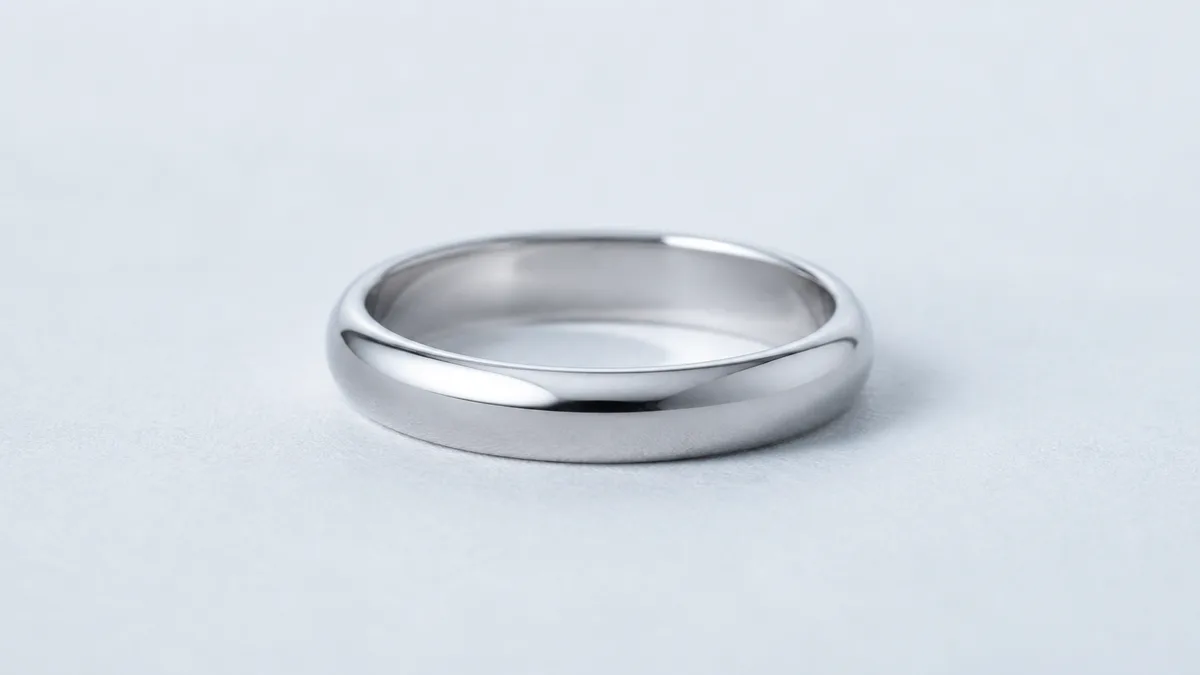
You’d never see the radio itself. It sits sealed inside the band, beside the battery and the counting chip. On the iTasbih-Peace1, the band closes into a smooth circle with nothing on show, and the radio disappears into it entirely. What people notice on your hand reads as jewelry, nothing more.
Range is where most guides reach for a number, and we’ll leave it alone, because the standard doesn’t fix one. Asked how far Bluetooth goes, the SIG’s own range page answers: “More than a kilometer. Less than a meter.”² WESLAMIC’s iTasbih User Guide gives the practical rule instead: “Keep your ring close to your phone for stable pairing.” In our experience that means same room, comfortable; a wall or two in between, patchy.
Wi-Fi and NFC do other jobs entirely, one hauling internet traffic, the other needing a touch at close quarters. Daily handling, the counting gesture and charging included, belongs to our parent guide, See all how to use zikr ring. This page stays with the radio.
What the Bluetooth Connection Lets You Do
Three things, mostly. It turns a running count into a record you can look back on, carries the day’s prayer marks to your finger, and keeps the ring’s firmware current. WESLAMIC’s App page describes progress insights built from daily, weekly and monthly dhikr activity.
What travels down is a schedule, not a calculation. Prayer times are worked out on your phone, never on your finger. The same SDK disclosure names Adhan, a library “for calculating Islamic prayer times.”⁴ So the phone does the arithmetic, then hands the ring a list of moments to mark.
That downward trip is where our everyday classic, the iTasbih-Faith, earns its place. Confirm your city once, and the ring holds the day’s marks for you afterward.
The iTasbih-FIT adds a second stream, sending heart, sleep and activity data up alongside the dhikr count. Faith and health, kept in one record. Worth saying plainly: the current FIT skips the on-ring vibration cue, so its prayer reminder arrives through the app instead.
That app also stands on its own. Its product page says the basic functions work even when nothing is connected to it. Prayer times, qibla and the Islamic calendar don’t wait on a ring at all. Which streams each ring actually carries differs a little by model, and that comparison waits further down.
How to Pair Your Tasbih Ring with the App (Step by Step)
WESLAMIC’s iTasbih User Guide lays the setup out in four steps you can finish in one sitting. What matters more than the taps is what those four steps configure: a permission, a model, a city, and a counting mode. One choice is worth flagging: where you add the ring, which is the app’s own Add Product screen rather than your phone’s Bluetooth list.
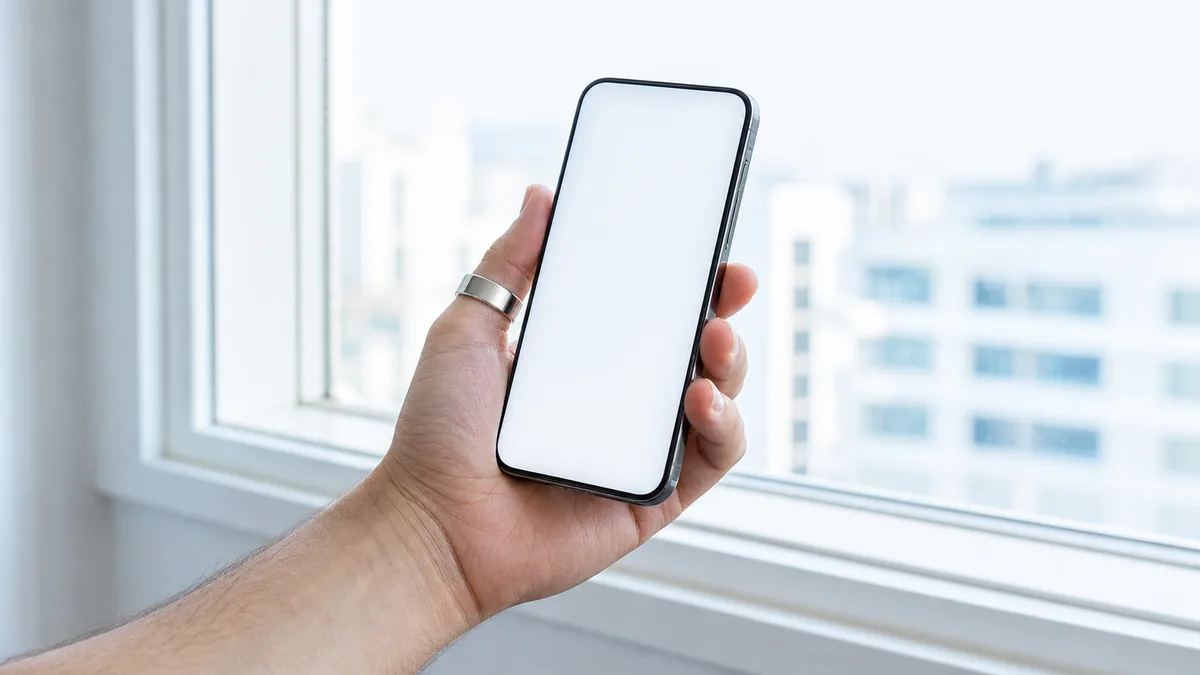
Notice what the guide never asks for. There’s no registration in those four steps and no account to create, so nothing stands between opening the box and your first count. For a first ring, the iTasbih-Salam keeps this stretch short and unintimidating: one model to pick, one confirmation, and the number starts climbing.
The screen-by-screen walkthrough lives one page over, along with matching a ring to the right app and what to try when the app doesn’t recognize yours: how to connect zikr ring to app.
Do You Need to Stay Connected? Offline Counting vs Background Sync
No. Offline counting and background sync are two separate jobs. Counting runs on the ring’s own hardware; syncing is opportunistic, happening when the app is open and your phone is near. WESLAMIC’s iTasbih User Guide asks the two to be close during the four-step setup, not while you make dhikr.
So what does a quiet link actually cost you? Three things pause, none of them the number. Your history stops reaching the app, so the weekly view sits at its last update. Firmware, and any schedule change you made in the app, waits in a queue. And on the current FIT, which carries no vibration motor, the prayer nudge waits on the phone.
In practice, most of our own wear looks unremarkable. Count through the day, open the app at some point in the evening, watch the totals land. No daily deadline, no ritual around it. Our iTasbih-Relation travels with its own charging case, which suits the weeks when your phone lives in a bag more than in your hand.
There’s a ceiling on what a ring can bank while you’re away, and a method to how it clears once the two meet again. smart tasbih ring offline counting takes both apart properly. A normal day asks far less of it than people expect.
Troubleshooting Bluetooth: Won’t Connect, Keeps Disconnecting, Not Syncing
Three faults look alike from the outside, and the first move is the same for all of them: WESLAMIC’s iTasbih User Guide says to cycle Bluetooth off and on, close the app, reopen it and retry. If that doesn’t hold, the symptom tells you which door to take next. Each of the three has its own page, because each has a different culprit behind it.
It never appears in the pairing list. That points at the ring, or at a permission it was never given, rather than at the link itself. smart tasbih ring bluetooth not working works down those causes in order.
It pairs, but the app keeps showing yesterday’s total. A stale total usually means the app was closed in the background, and each phone platform does that its own way. smart tasbih ring not syncing covers both sides.
It connects, then lets go, over and over. Repeat drops have a short checklist with a clear order of likelihood, from battery settings to what water after wudu does. zikr ring keeps disconnecting bluetooth runs through it.
Bluetooth Capability by Generation: Which Ring Syncs What
All five iTasbih rings pair through the app over Bluetooth Low Energy, so connectivity isn’t what separates the generations. What changes is the payload. The 3.5 FIT puts three health streams on the link that the 2.0 rings never send, and three of the five mark prayer times with a buzz on the ring itself.
We’d rather show a gap than paper over it. A live pull of WESLAMIC’s product catalogue on July 20, 2026 found the Faith publishing a labelled spec field, “Bluetooth version: Bluetooth 5.1”, and the Salam naming 5.1 in its description. The Peace1, FIT, Relation and Lavender Style records carry no Bluetooth string at all. They connect, plainly. The version simply isn’t published, so their column stays empty.
Model | Generation | What it sends up | What it needs sent back | Published radio spec |
|---|---|---|---|---|
iTasbih-Salam | Smart Tasbih 2.0 | Count and history | Prayer schedule, language, reminder settings, firmware | 5.1, named in the description |
iTasbih-Faith | Smart Tasbih 2.0 | Count, history, habit record carried onward to the WESLAMIC server | Prayer schedule, language, reminder settings, firmware | Bluetooth 5.1, as a spec field |
iTasbih-Relation | Smart Tasbih 2.0 | Count and history | Prayer schedule, language, reminder settings, firmware | Not published |
iTasbih-Peace1 | Smart Tasbih 3.0 | Count and history | Prayer schedule, language, reminder settings, firmware, plus the vibration patterns you customize | Not published |
iTasbih-FIT | Smart Tasbih 3.5 | Count, history, heart, sleep and activity data | Prayer schedule, language, reminder settings, firmware; the reminder arrives app-side | Not published |
Everything in that fourth column travels down to every ring. What differs is the last column and the cue. Faith, Relation and Peace1 carry the buzz on the ring itself. Salam’s record names prayer reminders without naming an on-ring vibration for them, while FIT ships without a motor at all, which puts its reminder in the app.
Choose for the form, the finish and the cue you want to feel. An unpublished version string is a documentation gap rather than a capability one: all five run on the same Low Energy radio.
Bluetooth, Battery & Privacy: What Travels Over the Link
A short list, and one you can check for yourself. Upward go your count, your history and, on the FIT, heart, sleep and activity data. Downward come the prayer schedule, your language, reminder settings and firmware. WESLAMIC’s Security Policy says its iTasbih rings are regularly updated with firmware; on a ring with no other data port, that update rides this same link.

Some of it goes further than your phone, and the honest version is not that it stays put. The Faith’s product data names synchronization to the WESLAMIC server, and the Salam’s names the cloud. WESLAMIC’s Security Policy lists dhikr history among the data held on its servers and encrypted end to end. What you can check on the distribution side is the developer’s Data safety declaration on Google Play, which states that no data is shared with third parties and that data is encrypted in transit; the same declaration says the app may collect personal info, and that you can request deletion (July 2026)⁵. So your counts are kept and encrypted rather than kept only on your phone.
Nothing in the four-step setup asks for a name, an email or a password, so the count isn’t tied to an account at the ring’s end. One location detail is in play, the city you confirm for prayer times, which the app needs before it can build a schedule at all.
Battery cost for the radio itself stays small, for the reason given further up. Of everything drawing on a tasbih ring’s power budget, the link is the line you can stop thinking about.
Frequently Asked Questions
Can I pair a tasbih ring with an older phone?
Probably, though check the app rather than the ring. The Faith’s product data lists compatibility as Android 8.0 or iOS 10.0 and later. The WESLAMIC app listing on the Apple App Store asks for iOS 15 or later, as of July 2026⁶. So the app is the stricter of the two. It is also actively maintained: the Google Play listing showed 50,000+ downloads, a 4.5 average across 864 reviews, and a June 22, 2026 update⁵.
Can one ring be paired to two phones at once?
Keep it to one at a time. Apple’s own guidance for a Bluetooth accessory that won’t connect is to unpair it from your other devices, then pair again with the one you want⁷, and the same logic applies here. Remove the old pairing first, then run the four-step setup on the phone you’re keeping. Because that setup is short, switching phones costs you little.
Is my dhikr history private while it syncs?
What’s published, you can check yourself. The developer’s Data safety declaration on Google Play states that no data is shared with third parties and that data is encrypted in transit (July 2026); the same declaration says the app may collect personal info, and that you can request deletion⁵. Nothing in the four-step setup asks for a name, an email or a password. What does leave your phone is your dhikr history: the Faith’s product data names synchronization to the WESLAMIC server, the Salam’s names the cloud, and WESLAMIC’s Security Policy lists dhikr history among the data it holds encrypted end to end on its servers. So it is kept and encrypted rather than kept only by you.
Should I turn Bluetooth off to save the ring’s battery?
We wouldn’t bother. The radio spends most of the day idle and wakes only to hand something over, so there’s very little there to reclaim. If you’d rather watch the cost than guess at it, the ring reports its own battery level to the app; Google Play counts that among the app’s functions⁵.
Pair Once, Then Let It Fade Into the Background
Two minutes of setup, and the question that brought you here stops mattering. Four steps, one confirmation, and nothing to keep an eye on afterward. That’s the whole arrangement.
We built it this way deliberately. A ring you had to manage would be one more thing asking for your attention, and dhikr already has somewhere better for it to go. That is what tasbih ring Bluetooth connectivity is for here: every dhikr matters, and the link’s only job is to keep the record of them.
Reviewed by the WESLAMIC Editorial team. This page explains connection behavior and app settings only, and does not issue a religious ruling; for questions about your own practice, put them to a qualified scholar.
Sources
¹ Bluetooth SIG, Bluetooth Technology Overview, retrieved 2026-07-20
² Bluetooth SIG, Understanding Bluetooth Range, retrieved 2026-07-20
³ Android Developers, Bluetooth Low Energy overview, retrieved 2026-07-20
⁶ Apple App Store, WESLAMIC app listing (iOS 15+), retrieved 2026-07-20
WESLAMIC first-party sources (no separate URL numbering): iTasbih User Guide (shop.weslamic.com/pages/itasbih-manual), zikr ring product data (shop.weslamic.com/collections/zikr-ring/products.json), The Weslamic App page (weslamic.com/tools/weslamic-app), and Security Policy (shop.weslamic.com/pages/security-policy), plus hands-on observations, retrieved 2026-07-20