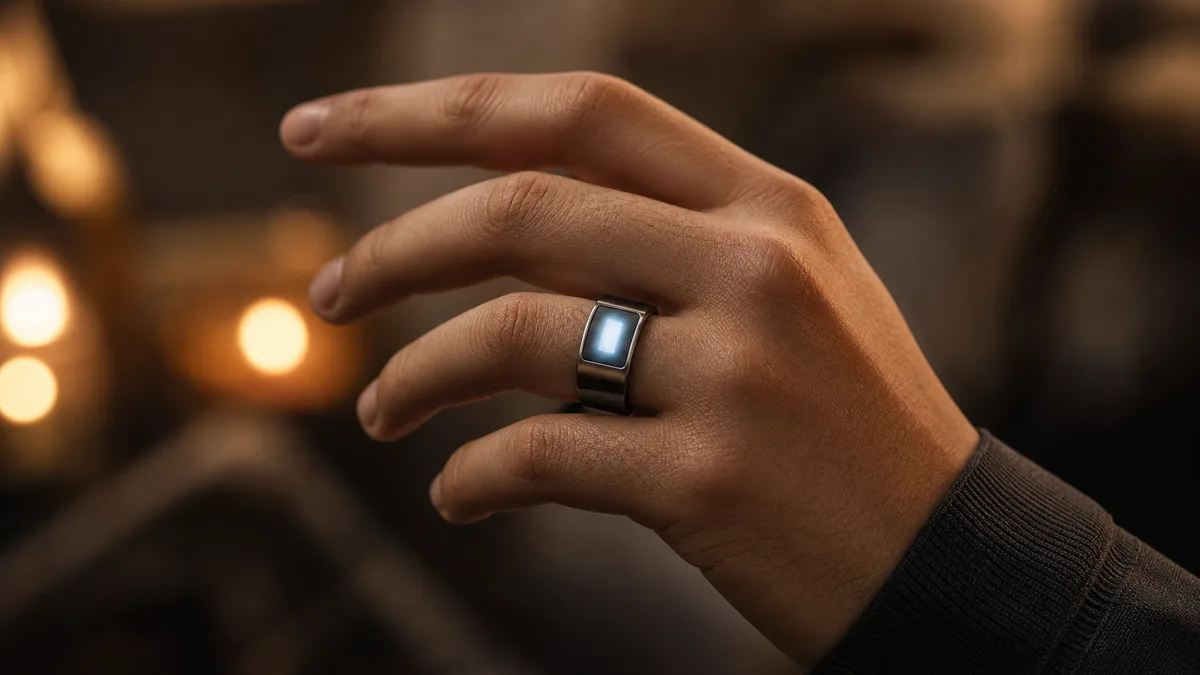
So what does a zikr ring OLED display actually show, and how do you read it without a manual? One climbing number, your live dhikr count, is the heart of it. A few quiet extras change by model. Below, we decode each digit and cue, then fix the one real weakness: reading the screen in bright sun.
We build both kinds of ring here, ones with a lit screen and one with none, so this is an honest guide to reading either. It’s written in WESLAMIC’s Every Dhikr Matters spirit: a companion to your remembrance, never a metric to chase.
Key Takeaways
Your live dhikr count is the main readout; by model, the time and a prayer cue join it.
As of mid-2026, WESLAMIC’s data lists the classic Faith OLED at 0.49 inches, 72x35 pixels.
Battery and pairing details live in the app, not on the ring’s small face.
Milestone counts (33, 66, 99) register as a finger pulse, mirroring the post-prayer tasbih that totals 99.
What the Zikr Ring OLED Display Actually Shows
Open your palm and the answer is concrete: on the classic Faith, WESLAMIC lists the panel at 0.49 inches, 72x35 pixels, and a single large figure, your live count, owns most of that glass. Everything else keeps to the edges.
Three things live on that little screen. The count is the star, the one figure big enough to read at arm’s length. The time sits alongside it, so a glance at your hand does double duty. And a small visual cue marks when the next salah is near.
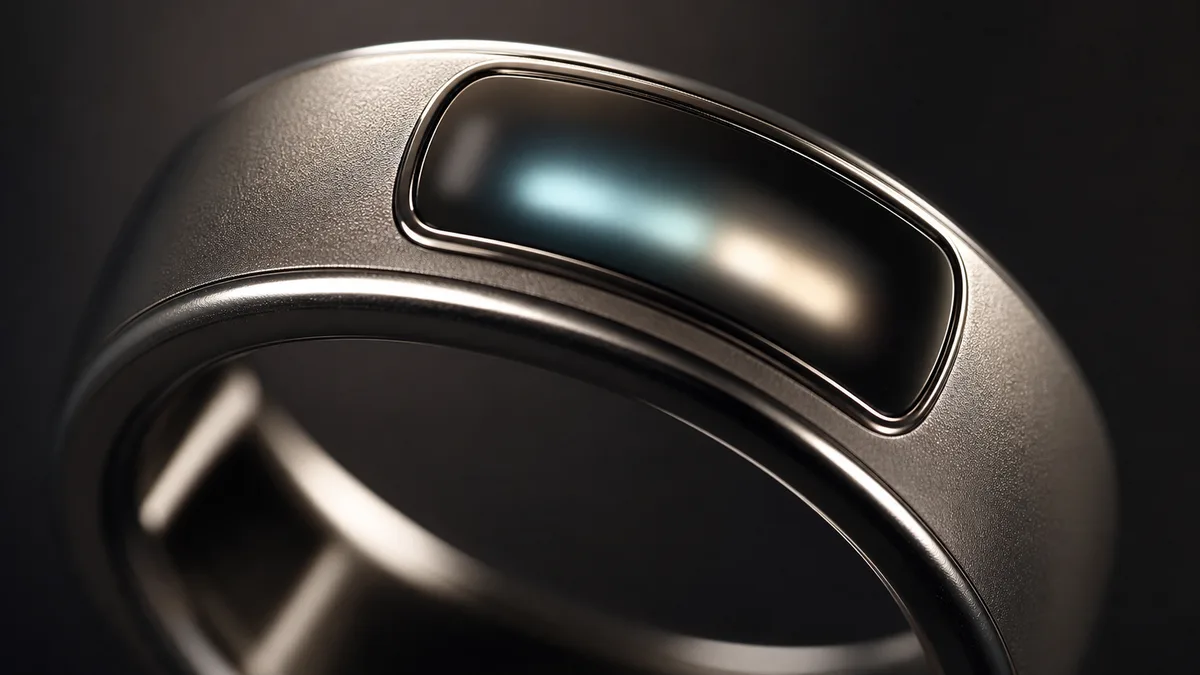
Notice what isn’t crowding the glass. Battery percentage and pairing status don’t fight for room on the ring itself. Those details live in the WESLAMIC app, where there’s space to show them properly. The face stays calm: a lit readout that quietly marks progress, worn as faith jewelry, not read like a screen full of alerts.
What about 33, 66, and 99? Those aren’t screen events. Reaching each one brings a soft pulse you feel on your finger, not a flash on the glass, so don’t go looking for a blink that never comes. Those numbers echo the traditional tasbih after each fard prayer, 33 SubhanAllah, 33 Alhamdulillah, 33 Allahu Akbar, recorded in Sahih al-Bukhari 843¹.
On the classic iTasbih-Faith, the ring most people reach for first, that quiet rhythm of count, time, and prayer cue is the whole daily experience: easy to read, easy to gift, easy to live with.
Display Specs Across Zikr Ring Models
Zikr ring screens aren’t one size. As of mid-2026, across the WESLAMIC line the smallest published panel is the entry Salam’s compact 0.42-inch OLED, and the largest published is the classic Faith’s 0.49-inch. FIT keeps an on-ring screen too, size unpublished; for Relation, WESLAMIC publishes no screen details at all; and the full-ring Peace1 carries no visible screen.
Model (series) | On-ring screen | Screen size | Touch input |
|---|---|---|---|
iTasbih-Salam (2.0, entry) | Yes | 0.42-inch OLED | Tap to count |
iTasbih-Faith (2.0, classic) | Yes | 0.49-inch OLED (72x35 px) | Tap to count |
iTasbih-Relation (2.0, premium) | Not published by WESLAMIC | Not published | Tap to count |
iTasbih-FIT (3.5, health) | Yes | On-ring screen (size not published) | Yes, touch |
iTasbih-Peace1 (3.0, full-ring) | No visible screen | None | Full-ring design |
Why do the sizes differ? A bigger panel like Faith’s fits a larger, easier-to-read number, handy when you check your count mid-dhikr. The compact Salam screen sips less power and keeps the ring slim. Neither is better; they’re tuned for different hands and habits.
So which way should you lean? It comes down to one honest fork. A screen model gives you an instant, glanceable readout right on your finger. The screenless, full-ring Peace1 trades that for a jewelry-minimal look you can wear around the clock. We weigh that choice in full a little further down.
Two points on that range are worth naming now. The featherlight, value-minded iTasbih-Salam makes a gentle first ring, or a Ramadan and Eid gift that stays kind to a budget. And for anyone who wants their faith habit and their health in one band, the touch-driven iTasbih-FIT layers heart rate, sleep, and a Fajr check-in onto its on-ring screen.
How to Read Each Screen State, Step by Step
A zikr ring screen sits in one of three states: asleep (blank, so tap or turn to wake), count mode (one large number climbing per tap or turn), or status mode (small glyphs for the time or a prayer cue). In our hands-on use across the line, every WESLAMIC screen model reads the same three ways, so learn these once and skip the manual.
Start with sleep. Between sessions the screen goes dark to save battery, which is normal, not a fault. A single tap or a small turn of the ring wakes it, and your last count is still there. Nothing is lost while it rests.
In count mode, one large number owns the screen and climbs by one with every tap or turn. That’s the readout you’ll watch most. It’s the running tally of your dhikr, there so the counting stays the ring’s job, not yours.
Status mode shows the quieter glyphs: the current time, and on models that support it, a small cue that prayer is near. That’s it, deliberately minimal. The face never turns into a busy dashboard, which is exactly why it stays easy to read at a glance.
How do you switch between count and status, or clear the tally to start a fresh wird? That’s operating the ring rather than reading it, and the full walkthrough, tapping to count, the long-press reset, the sync quirk, lives in our how to use zikr ring guide. Here we’re just decoding what the glass is telling you.
If you’re brand new to all this, the pared-back entry screen is the easiest first read: one number, no clutter, nothing to decode. As the panel grows on the classic model, the count just gets easier to see, not harder to understand.
Adjusting Screen Brightness and Timeout (and the Battery Trade-off)
Where do you change zikr ring screen brightness? In the WESLAMIC app, not on the ring. Lower the brightness and shorten the screen-timeout to add noticeable days of battery between charges; raise brightness when you need daylight legibility, at a battery cost. The screen is one of the biggest draws on a zikr ring’s daily power.
Getting there takes a few taps. Open the app, connect to your ring over Bluetooth, then find the display settings. You’ll see a brightness control and a screen-timeout setting, usually a short range of a few seconds. The ring keeps no menus of its own, so the app is home for all of this.
A simple rule works for most days. Indoors, keep brightness low to medium and the timeout short; you’ll still read the count fine and save real battery. Before you head out into daylight, nudge brightness up a step or two. Set it once for your routine, and you’ll rarely touch it again.
Every one of those choices moves your battery. A dim screen with a two or three second timeout can stretch a charge by days over a bright screen that lingers. If you’d rather not think about it at all, the premium iTasbih-Relation pairs a metal-plated finish with its own charging case, keeping standby going for weeks between top-ups.
Reading the OLED Outdoors: The Sunlight-Visibility Problem
Why is a zikr ring screen hard to see in bright sun? A small monochrome OLED, under half an inch across, has limited brightness to fight direct light, so it washes out and fades at wide angles. As of mid-2026, that’s a common readability complaint among owners. The fix is practical, and it starts with one setting.
Here’s what’s going on. OLED pixels light themselves, which looks lovely indoors, but a tiny ring panel can’t out-shine the sun the way a phone can. In direct light, the dark background and lit digits lose contrast, and at a steep angle the number dims further. It’s physics, not a defect.
So what actually helps? Three things, and we’ve tested each. Raise brightness a step before an outdoor session. Tilt your hand so the screen faces your eyes, not the sky. And cup your other hand to throw a little shade over the ring for a quick read. Small moves, real difference.
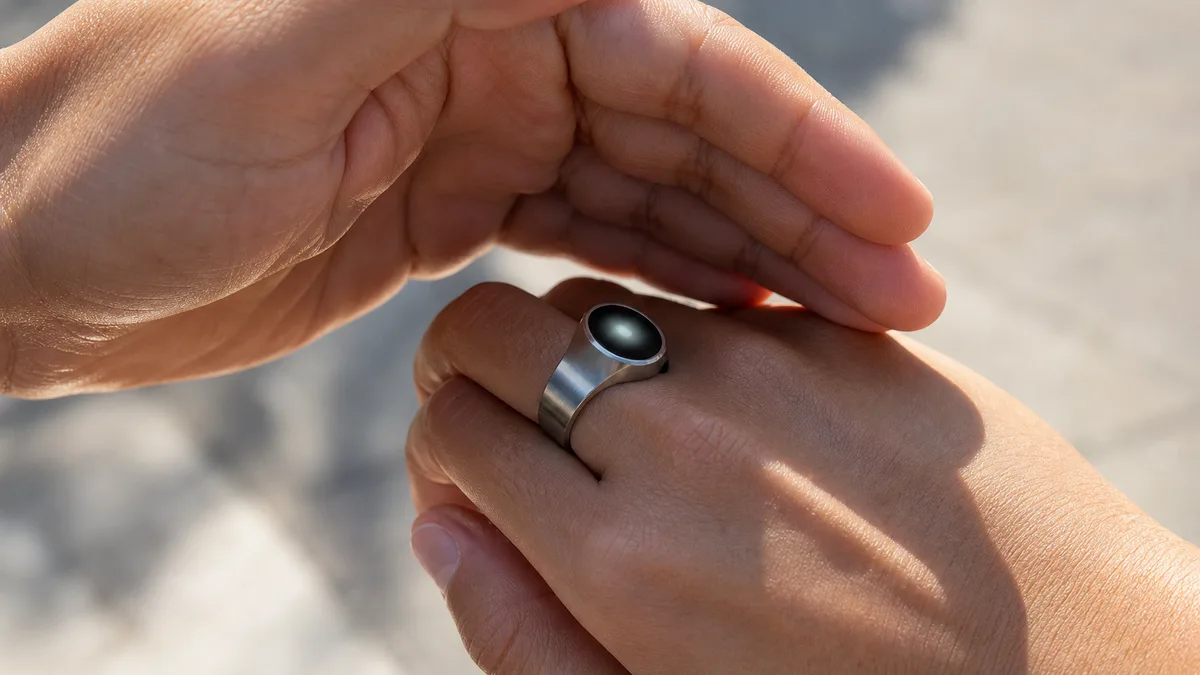
Our finding: Under midday sun in our own testing, the count vanished at low brightness but came back the moment we pushed brightness to its top step and angled the ring out of direct glare. On a bright walk, that one habit beat squinting at the screen every time.
And when your hands are full, or you simply can’t stop to look, on a crowded tawaf, a long walk, a commute, don’t fight the screen at all. Let the ring’s gentle pulse at each set of 33 carry you instead. You feel your progress without ever glancing down, which is the whole point of wearing your dhikr rather than holding a strand of beads.
Display vs Screenless Full-Ring: Which Zikr Ring Is Right for You
Which zikr ring suits you, a display model or a screenless full-ring? Several WESLAMIC models carry a screen, Salam, Faith and FIT among the confirmed, while the full-ring Peace1 goes without. Choose a display like Faith or Salam to glance down and read your exact count instantly. Choose Peace1 to wear something that reads as pure jewelry and tracks quietly through the app.
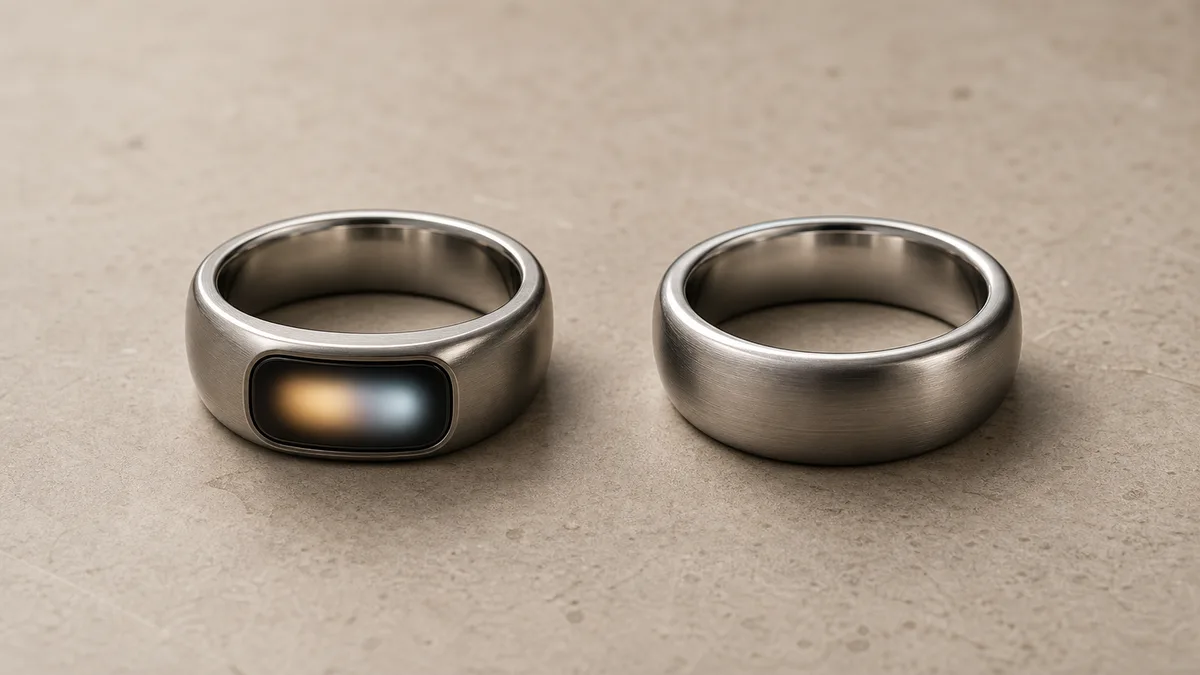
A display model is for people who like feedback. You look at your hand, you see the number, you know exactly where you are in a wird. That immediacy suits new users still building the habit, and anyone who finds a visible count genuinely motivating. The classic Faith and the entry Salam both live here.
A screenless full-ring is for people who want the habit, not the readout. Peace1 looks like a plain modern ring, so it draws no attention in a meeting or at dinner, and it keeps your count private until you open the app. If the prior question for you is rings themselves, we walk through it gently in can men wear rings in Islam.
Not sure which camp you’re in? If you want faith and health in one band, the touch-driven FIT keeps a screen and adds tracking. If you want the lightest possible daily wear, lean screenless. Either way, See all smart tasbih ring and compare every model, screen and screenless, side by side.
When the Screen Won’t Turn On or Looks Dim: Quick Fixes
Zikr ring screen won’t turn on? In our experience, most dark-screen cases trace to one of three things: a flat battery, the timeout doing its job, or a tap that didn’t register. Charge it for a few minutes, tap the face firmly, and try the wake gesture again. A screen that stays dark after a real charge points to hardware, not settings.
Work through it in order, easiest first. Charge the ring for five to ten minutes on its cable or case, since a truly empty battery shows nothing at all. Then tap the face firmly, once, because a light or glancing tap sometimes won’t wake it. Still dark? Give the ring a small turn, the motion wake that many models use.
If the screen wakes but looks frozen or garbled, reconnect it in the app, which often resets the display. Here’s the honest line, though: a screen that stays black or scrambled after a proper charge is usually a hardware fault, not a setting you can change. That’s a warranty and support matter, and reaching out early saves you hours of fiddling.
None of this should worry you. Most dim-screen scares are just a low battery caught late, sorted by the time your tea has brewed. And whatever the number reads when it wakes again, none of your remembrance was lost.
Frequently Asked Questions
Does a zikr ring’s OLED display show battery percentage?
Not usually. On WESLAMIC rings, the confirmed on-screen readouts are your dhikr count, the time, and a prayer cue; battery and pairing status live in the companion app instead. That keeps the ring’s small face uncluttered and easy to read. To check charge, open the app rather than hunting for a glyph on the ring.
Which zikr ring has the largest, easiest-to-read display?
Among the screen models, the classic iTasbih-Faith has the bigger panel, listed by WESLAMIC at 0.49-inch, versus the entry Salam’s 0.42-inch screen. A bigger panel means a larger count digit at a glance. The full-ring Peace1, by contrast, carries no visible screen, so readability isn’t its game.
Is it un-Islamic to track my dhikr on a screen instead of beads?
For most scholars, it’s fine: a counting aid takes the ruling of the worship it serves, and remembrance is encouraged. The ring’s 33, 66, and 99 markers simply mirror the traditional post-prayer tasbih that totals 99. The deeper ruling lives in are zikr rings halal. WESLAMIC doesn’t issue fatwa; for your own situation, ask a qualified scholar.
Do I need the app just to read my dhikr count?
No. On screen models, your count shows right on the ring’s own OLED, so you read your tally with no phone nearby. Pairing the app over Bluetooth adds extras like saved history and prayer settings, but the number works fully offline. On the screenless Peace1, you’ll check the count in the app instead.
Does the display show which dhikr I’m reciting, or just a number?
Just a number. The OLED shows a single running count, climbing one per tap, not the words themselves. You choose the dhikr, whether it’s the tasbih after salah or your own wird, and the ring keeps the tally. The words stay in your heart; counting is the ring’s quiet job.
This guide is general information, not a religious ruling. WESLAMIC does not issue fatwa; for questions specific to your situation, please consult a qualified scholar. Reviewed by the WESLAMIC Editorial team.
Sources
¹ Sahih al-Bukhari 843, Book 10 (Adhan), narrated by Abu Huraira, via sunnah.com, retrieved 2026-07-01
WESLAMIC official store, iTasbih-Faith and iTasbih-Salam product data (brand first-hand), retrieved 2026-07-03 (OLED sizes: Salam 0.42-inch, Faith 0.49-inch at 72x35 pixels; on-screen readouts of count, time, and a prayer cue)
WESLAMIC official store, iTasbih-FIT product page (brand first-hand), retrieved 2026-07-03 (on-ring screen plus touch control)