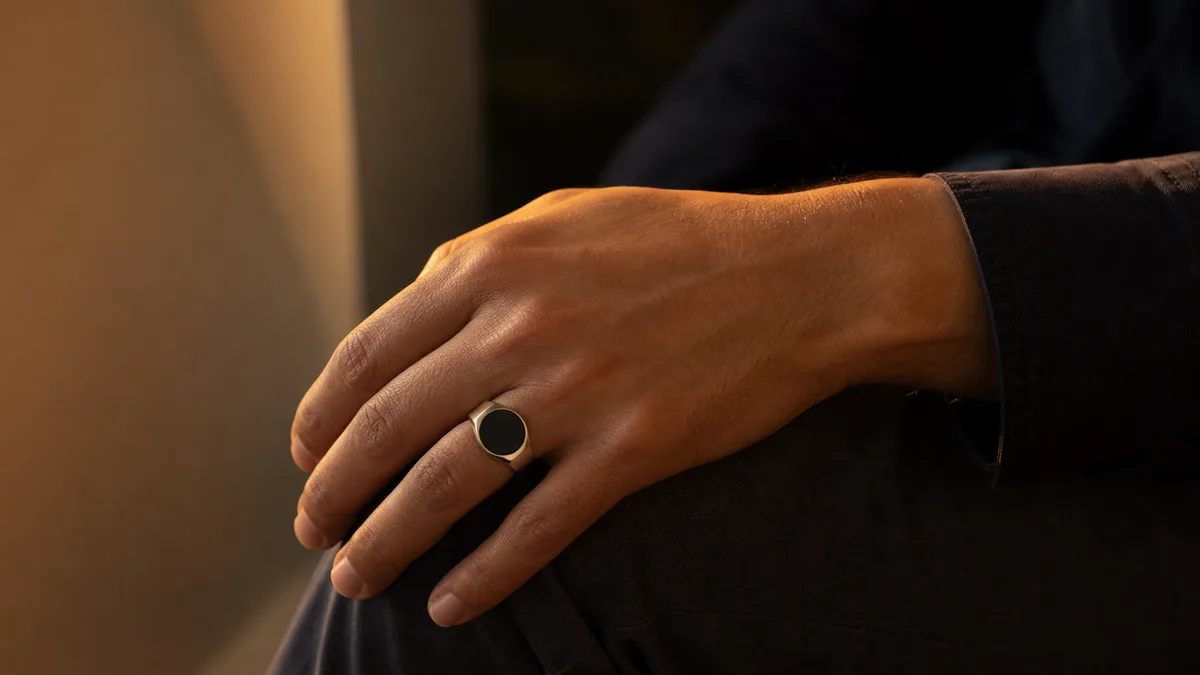
You’re halfway through a wird. Forty-something SubhanAllah in, you glance down, and the number is gone. The glass has gone black. And for a second your stomach drops, because you don’t know whether the last twenty are still in there.
Nothing is gone. The screen rested; the ring didn’t. That gap between what your eyes see and what the ring is actually doing is the whole subject of this page: zikr ring sleep mode and screen timeout, what they are, what they cost you in battery, and what they never touch.
Key Takeaways
Resting roughly doubles the battery. WESLAMIC product data rates the classic Faith at up to 15 days in use, up to 30 on standby.
Screen timeout lives in the companion app, not on the ring. The label may read auto-off or display duration instead.
Glancing at the total now and then? Keep the timeout short. Reading the count between each tasbih through a long wird? Go longer, since fewer wakes means fewer taps to second-guess.
A count that vanishes when your phone’s screen sleeps is an app-side goal session ending, not your ring.
What Is Sleep Mode (Screen Timeout) on a Zikr Ring?
Sleep mode, also called screen timeout, means the display dims and goes dark after a short idle spell, purely to save power. The ring is not off and it is not faulty. As of July 2026, WESLAMIC’s product data rates the classic Faith for up to 15 days of use, and a ring built to last a fortnight between charges has to let its face go dark.
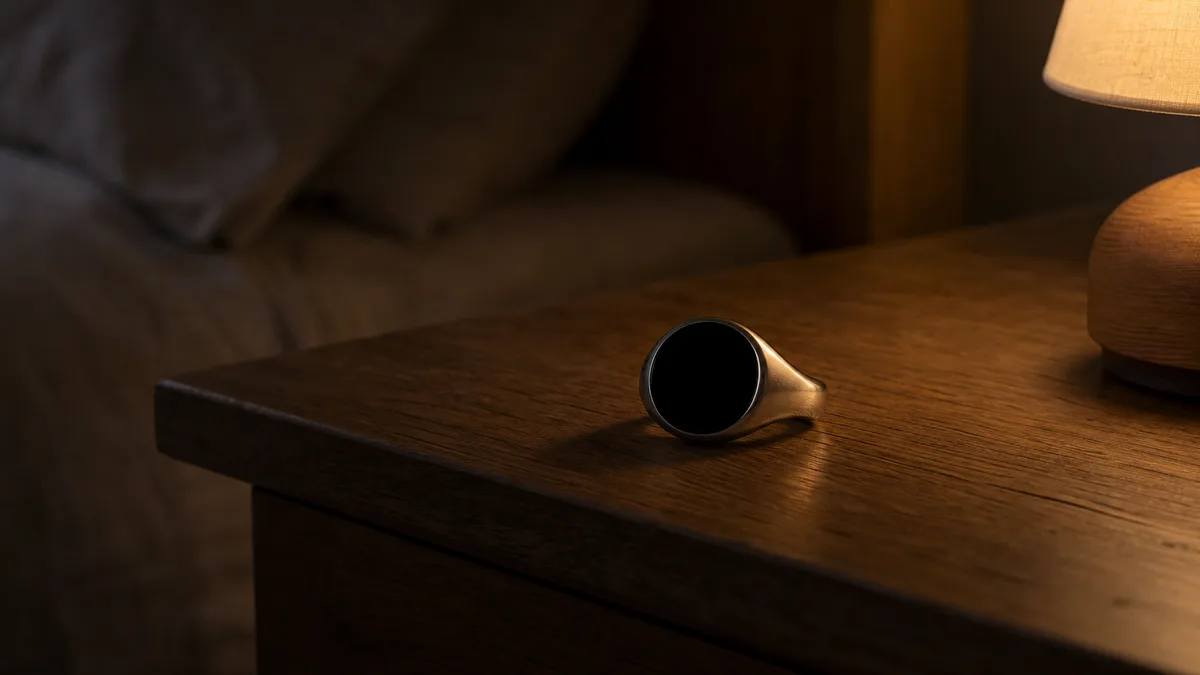
Three words get used loosely, so let’s separate them properly.
State | Screen | Your count | Responds to a gesture | Phone link |
|---|---|---|---|---|
Sleep | Dark, to save power | Still running | Yes, a gesture brings the number back | Alive |
Off | Dark | Not running | No, it has to be powered up first | None |
Standby | Dark or unlit | Still held | Yes | Alive, at very low draw |
What do those actually look like on your hand? In sleep, the face is dark and gives you nothing, yet the ring is awake underneath: it feels your touch, it holds your tally, and one gesture brings the number straight back. In our hands-on wear, this is the state people mistake for a dead ring most often, because there’s no light and no cue to tell you otherwise.
Off is different in kind. Nothing responds, no gesture wakes anything, and the ring has to be powered up again before it does a thing. Standby sits between the two: little to no light, very low draw, but the link to your phone still alive underneath, which is how a ring can sit in a drawer for weeks and still know your name.
Why does any of this matter? Because only one of those three states is the one you’re actually in when the screen goes dark mid-dhikr, and it’s the harmless one.
Does the Screen Turning Off Stop Your Dhikr Count?
No. Turning the screen off on a zikr ring does not pause or reset your dhikr count, because counting never runs through the display. It runs on the finger-facing touch face and the chip behind it. Across the iTasbih line the counting stays tap-first, a deliberate touch or turn depending on your model, and WESLAMIC publishes the input method for one of them: the FIT product page lists on-ring counting as Screen + Touch.
Look at where the counting actually happens. Your thumb presses the ring’s touch face, that press registers, and the chip inside adds one and holds the total. On models that count by turning instead, the same job is done by the motion of the ring. Neither path runs through the screen. The display is a window onto the number, never the thing keeping it.
Manuals and support pages will happily show you where the timeout setting lives, then say not a word about the thing people actually lie awake over: whether a dark screen quietly ate the last thirty.
There’s a second layer worth naming. If your phone isn’t nearby, or Bluetooth has dropped, the ring simply keeps the tally on itself and passes it along the next time you connect. Screen asleep, phone in another room, still counting. Taps, resets and charging as a daily routine sit in how to use zikr ring, which is the better starting point if the ring itself is new to you.
One honest caveat, because we’d rather you hear it from us. This promise covers your ring’s own screen going dark. It isn’t a blanket guarantee that no number anywhere can go astray: some owners have hit a separate, app-side behavior where an in-app dhikr goal resets when the phone’s display switches off. That’s a phone session ending, not the ring sleeping. Different thing, and the troubleshooting section below has it with the sourcing.
How to Change Screen Timeout and Sleep Settings
Screen timeout on a WESLAMIC ring lives in the companion app, not on the ring. The ring itself carries no settings menus. As of July 2026, our published app feature list names prayer time remaining, Find my ring, compass and battery¹. Open the app and let it connect over Bluetooth. Then look for the display group inside the ring’s settings.
Expect a short countdown measured in seconds rather than minutes, since a ring face is not built to stay lit. The naming is the part that trips people up. Screen timeout, auto-off and display duration can all point at the same control, so a missing “timeout” label doesn’t mean a missing feature. Some models expose the countdown, some expose brightness alongside it, and a few give you neither.
Now the honest bit, and it’s the reason this page reads differently from most. We’re not going to quote you an exact menu path or an exact range of seconds, because WESLAMIC doesn’t publish one and we won’t invent numbers to look authoritative. We’re also not going to read anything into that feature list above, in either direction. It’s a marketing summary, not a settings inventory, and a control it doesn’t name may well be sitting in your app anyway. Firmware differs by model and by version. Look, and trust what you find.
A word on where our own rings sit. Display options for the entry iTasbih-Salam and the classic iTasbih-Faith both live in the app, with the ring’s settings; the exact naming is whatever your firmware shows. One mix-up is worth heading off before you go looking, though. A long press on the ring itself clears your tally; it is not a settings gesture and it opens no menu. Display options live in the app. Keep the long press for when you genuinely mean to start the count over.
How to Wake the Screen: Tap, Turn, and Button
Three moves wake a sleeping zikr ring: a tap on the touch area, a small turn of the ring, or a press of the button where your model carries one. Raise-to-wake appears on some smart rings as an app toggle rather than an always-on behavior. Per WESLAMIC’s product data, one of our five series, the full-ring Peace1, has no lit face to wake at all.
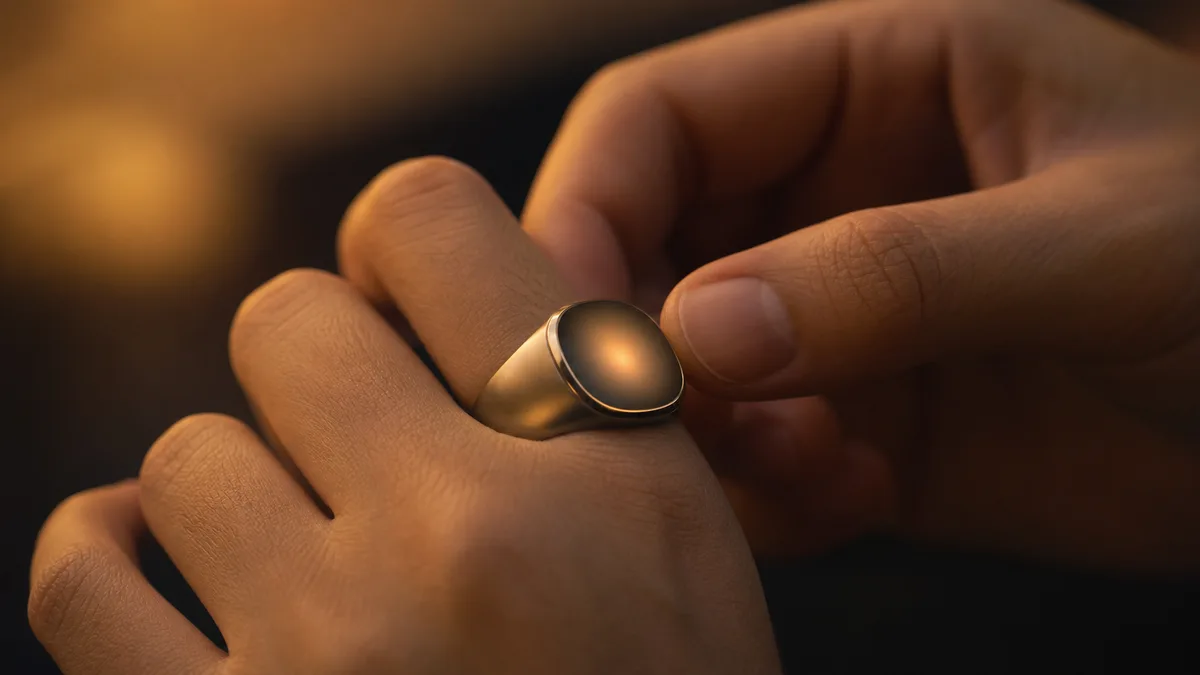
A tap is the move most people reach for, since your thumb is already there. It’s immediate, it works one-handed, and it needs no aim. A small turn wakes the models built around motion, which is handy when your other hand is busy. And where a model carries a button, a press is the most deliberate of the three, useful when your fingers are damp or cold and a light touch might not land.
Which raises a fair question. If tapping counts your dhikr, and tapping also wakes the screen, does a wake tap add one to your total?
We’re not going to tell you the firmware reliably separates the two, because WESLAMIC hasn’t published how it makes that call and we won’t dress a guess up as a mechanism. What we can offer is a habit that removes the question entirely: keep taps for dhikr, and when the screen is dark and you only want to look, reach for whatever non-tap wake your ring gives you, a small turn most often. It’s a small thing, honestly, and worth exactly the two seconds it costs.
For anyone whose ring runs on touch throughout, the iTasbih-FIT is worth knowing here: it keeps an on-ring screen and takes touch input, so the same wake-versus-count habit applies to it as to the rest of the line.
Screen Timeout vs Battery Life: Picking the Right Setting
A shorter timeout saves power, and for most people that settles it. Nobody publishes a seconds-to-days table to make the trade sharper. WESLAMIC’s product data does show the scale of what’s at stake: the classic Faith is rated at up to 15 days in use at about 500 counts a day, and up to 30 days on standby, roughly double when the ring is mostly resting.
Read that gap carefully, because it’s the closest thing to a real answer that exists. Use costs you days; resting buys them back. A lit face is part of that cost, along with the counting, the buzzing and the connection. Nobody, us included, publishes a breakdown of how much each part draws, so anyone handing you a tidy “6 seconds equals 4 extra days” figure is guessing.
Three defaults, then, no math required.
Go longer for a long wird you read along with. If you work through a lengthy wird and check the number between each tasbih, or you’re reading in low light, stretch the countdown out. A face that keeps going dark mid-wird makes you wake it over and over, and unless your model offers a non-tap wake, every one of those is another tap landing near your count, with the ambiguity described above. Those extra lit seconds cost you battery. They buy you fewer taps you have to think about.
Keep it short if you glance now and then. Indoors, checking your total here and there across the day, a short countdown is the right call. You’ll still catch the number every time, and it’s genuinely kinder to the battery over a week.
Keep it short and forget it if you rarely look. Outdoors, or counting by feel and reading the total later, a short timeout costs you nothing at all, because you weren’t going to be looking anyway.
Charging habits shift the whole calculation, too. The metal-plated iTasbih-Relation carries its own charging case, so when topping up is never a chore, timeout seconds stop being a budget you have to manage in the first place.
Battery ratings differ by model, so See all smart tasbih ring and compare them side by side before you decide which timeout habit you’ll even need.
Why a Sleeping Screen Is Good Design, Not a Flaw

A face that stays lit stops looking like jewelry. That’s the design position, and it’s deliberate. Of our five current iTasbih series, one carries no visible screen at all.
A dark screen does something quiet and useful. It gives your hand back to you. Nobody across the table reads your count, nothing glows during a meeting or at dinner, and the ring goes back to being a ring. Sleep isn’t the battery-saving compromise it looks like from the outside. It’s the point.
Our line has moved steadily in that direction over the years, from a plain counter you’d only pick up to count, toward faith jewelry that has a place on your hand with or without the counting. Screen timeout is one small expression of that shift. The number is there for you when you ask for it, and gone when you don’t, which is roughly how a companion behaves and not at all how a dashboard behaves.
The full-ring iTasbih-Peace1 removes the last of it. Nothing to time out, nothing to wake, the count kept quietly and read in the app whenever you feel like reading it. It’s the version of this idea for people who’d rather their remembrance stayed between them and Allah.
And if the question underneath all of this is whether a ring belongs on a Muslim man’s hand in the first place, can men wear rings in Islam takes it slowly and without alarm.
Troubleshooting: Screen Won’t Wake or Won’t Sleep
Neither symptom is usually a fault. A screen that won’t wake is nearly always a flat battery; a screen that won’t sleep is nearly always something holding it awake. Work through these in order.
Start with the setting that won’t stick, because it’s the one people hit most. In our experience, a timeout that reverts means the change never reached the ring, because the app was writing to a Bluetooth link that had already dropped. Reconnect and confirm the link is live before you touch any setting. Change the timeout, wait a few seconds without closing the app, then let the screen sleep and wake it once to see whether the new setting held. Most reverting settings are fixed right there.
If your screen sleeps faster than you set it, check the battery. Rings low on charge often clamp back to their most power-saving behavior, and the setting you chose returns once it’s charged. And if the ring won’t wake at all, charge it a few minutes before assuming the worst, since an empty battery and a sleeping screen look identical from the outside. A face that stays black after a proper charge is a hardware matter, not a setting.
Now the opposite symptom, which gets asked about less and worries people more: a face that stays lit and quietly drains a week out of your battery. In our experience it’s rarely the ring deciding to misbehave. Something is holding the display awake, and it’s usually an app session still open on your phone or a charging state keeping it up. Close or disconnect the app, take the ring off the charger, then set it down and leave it alone for a minute. If it goes dark, that was your answer.
Then there’s the one owners raise themselves, and it deserves plain speech. In a 4-star review dated 4 May 2026, an owner wrote that setting a daily goal and then letting the phone screen go off left the counter at zero². We haven’t reproduced a ring-side loss in our own wear, and we’re not going to tell an owner they misread their own ring. What we can tell you is where to look first: the ring’s own face. That’s the durable number, and if it’s blank there too, that’s a support conversation rather than a setting.
None of this deserves your anxiety, honestly. Of everything above, only a face that stays black after a proper charge is a real fault. The rest is a dropped Bluetooth link, a low battery, or a phone session ending, and each one is fixable in about a minute. Every Dhikr Matters, which is exactly why we’d rather you spent the minute than the worry.
Frequently Asked Questions
If I don’t touch my ring for a day, will my count still be there?
Yes. Your tally lives in the ring’s own memory, not in the screen and not in the app, so an idle day changes nothing. An untouched ring drifts into standby, low power with the phone link still alive, rather than switching itself off. Nothing about that state touches the number. It’s waiting when you wake it.
My count reset when my phone’s screen turned off. Was that the ring sleeping?
Sleeping the ring’s own screen doesn’t reset anything, and that much this page can answer plainly. The wider question we won’t pretend is settled: one owner, in a 4-star review dated 4 May 2026, reported the counter reading zero after setting a daily goal and letting the phone screen go off². We haven’t reproduced that in our own wear. Check the ring’s own face first, since that’s the durable number, and if it’s blank there too, talk to support rather than to a setting.
Should I switch the ring off overnight instead of letting it sleep?
There’s little to gain. A resting ring settles into standby and draws very little, while switching off means powering up again before Fajr, and your count survives either way. The battery section above carries the rated figures if you want the numbers. Leave it on your hand and let it sleep.
Is it wrong to let a screen keep score of my dhikr at all?
Most contemporary scholars treat counting aids as permissible, since the aid takes the ruling of the worship it serves. A sleeping screen arguably helps here: the count stays private and nothing on your hand competes with the dhikr itself. The deeper ruling sits in are zikr rings halal. WESLAMIC doesn’t issue fatwa; for your own situation, please ask a qualified scholar.
This guide is general information, not a religious ruling. WESLAMIC does not issue fatwa; for questions specific to your situation, please consult a qualified scholar. Reviewed by the WESLAMIC Editorial team.
Sources
WESLAMIC official store, iTasbih product data (shop.weslamic.com/collections/zikr-ring/products.json): iTasbih-Faith rated up to 15 days of use at ~500 counts/day and up to 30 days standby; the full-ring Peace1 carries no visible screen, retrieved 2026-07-16
WESLAMIC in-house hands-on wear and checks across the current iTasbih line (brand input), 2026